
Your venue,
in perfect rhythm.
Fewer trips to the table, more orders on it. Guests scan the code on the table, read the menu in their own language, order, call a waiter or ask for the bill. Your staff get it the same second, on the dashboard and on their phones.
- to hear back from us
- 24 hto hear back from us
- free to start
- 1 monthfree to start
- for guests to install
- 0 appsfor guests to install
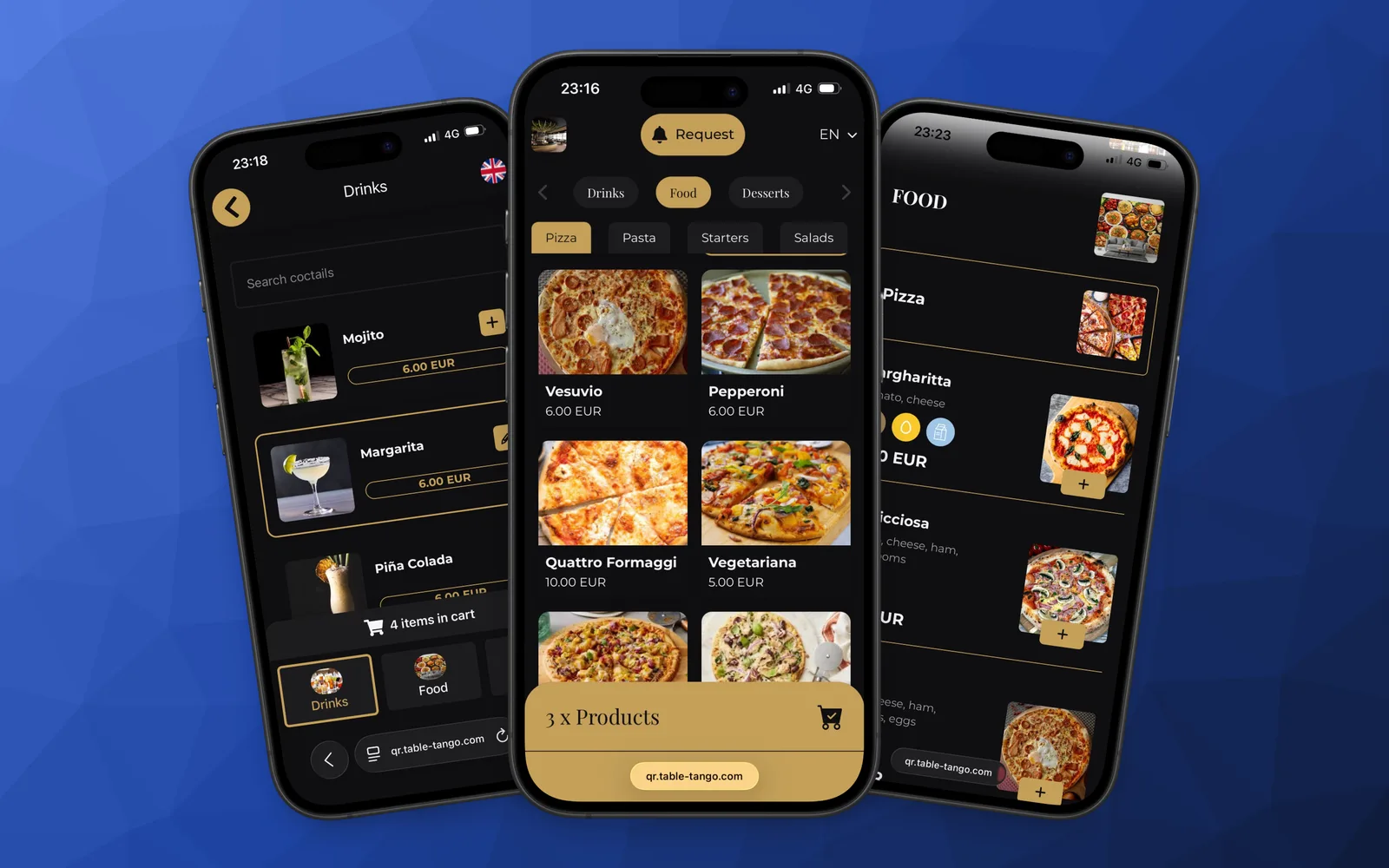
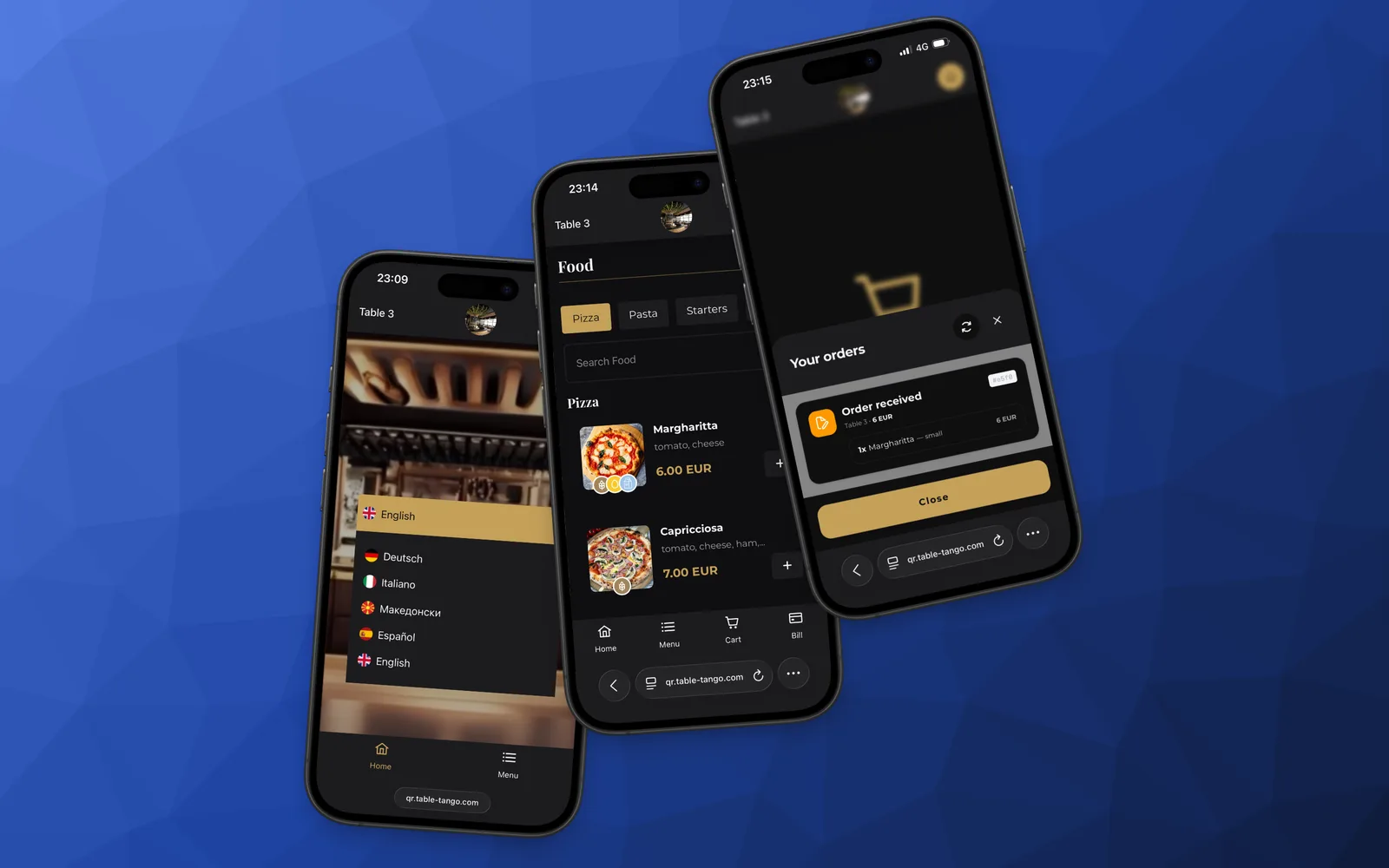
Your menu, in your guests’ language
 Deutsch
 English
 Français
 Italiano
 Español
 Português
 Polski
 Magyar
 Română
 Ελληνικά
 Slovenščina
 Български
 Türkçe
 Српски
 Русский
 Shqip
Shqip Svenska
 Македонски
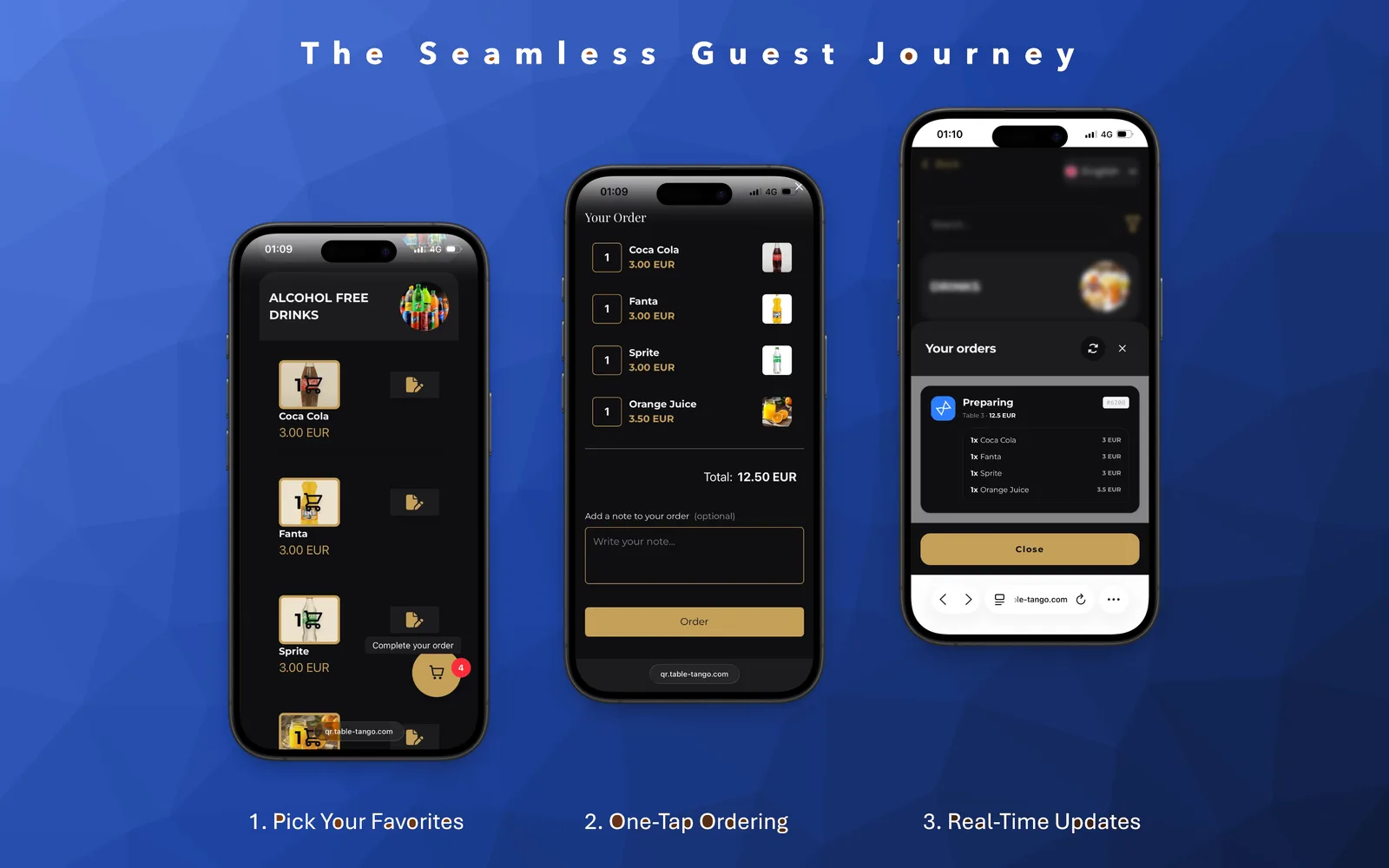
From the table to the bar in four steps
No waving across the room and no order lost on the way to the kitchen.
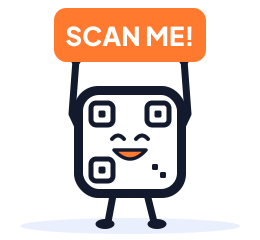 01 · GUEST
Scans the table
The phone camera opens your menu in the browser, already in the guest’s language.
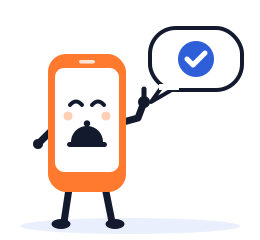 02 · GUEST
Orders or calls
Adds dishes with their extras, sends the order, or taps for a waiter or the bill.
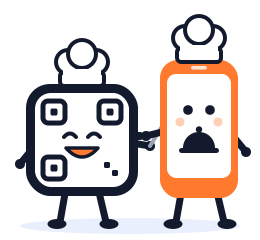 03 · YOUR TEAM
Hears it at once
The order lands on the dashboard and as a push on the waiters’ phones, with the table.
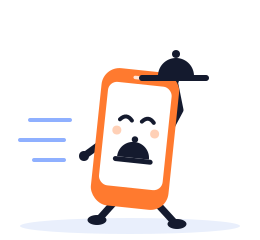 04 · YOUR TEAM
Serves and closes
Status moves from preparing to ready, and the guest follows it from the table.
One platform, two perspectives
See how Table Tango works for your team and for your guests.
Menus guests enjoy opening
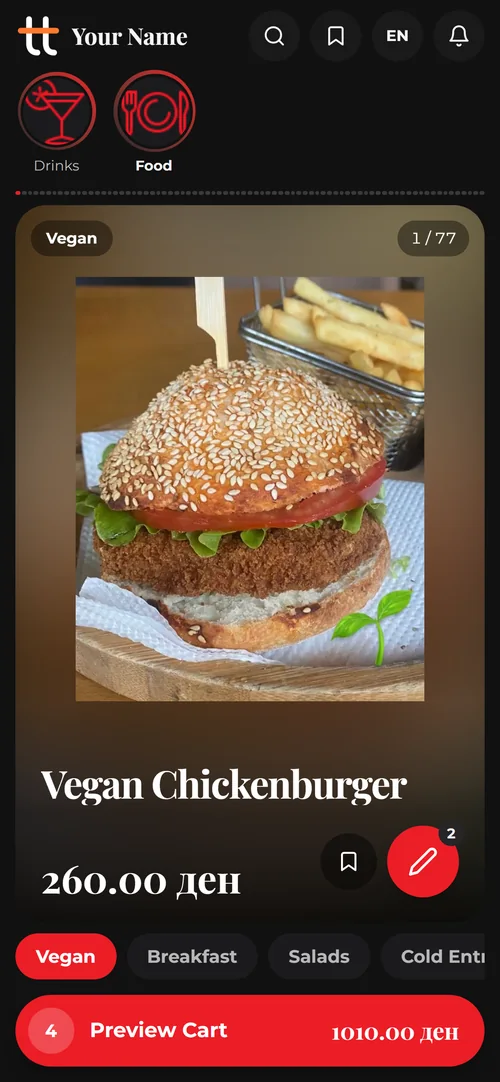
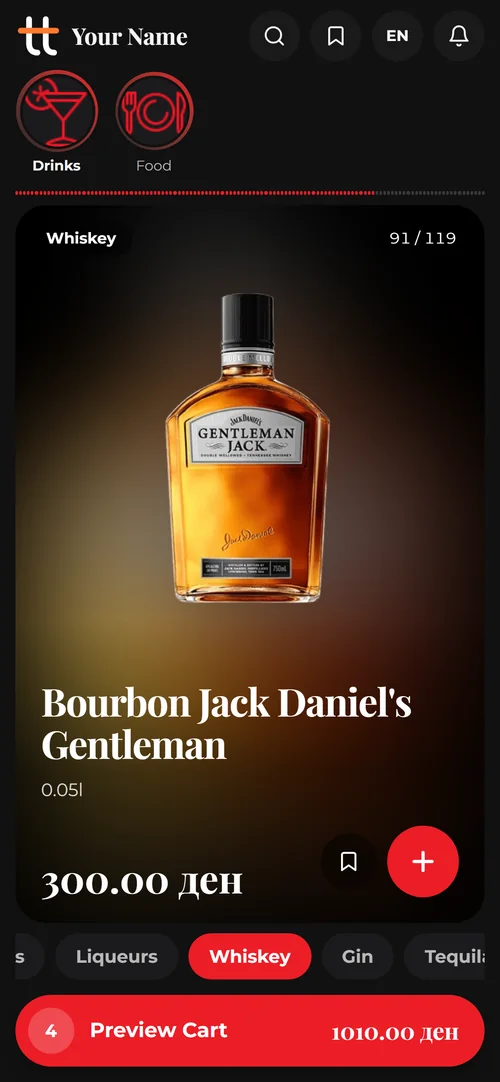
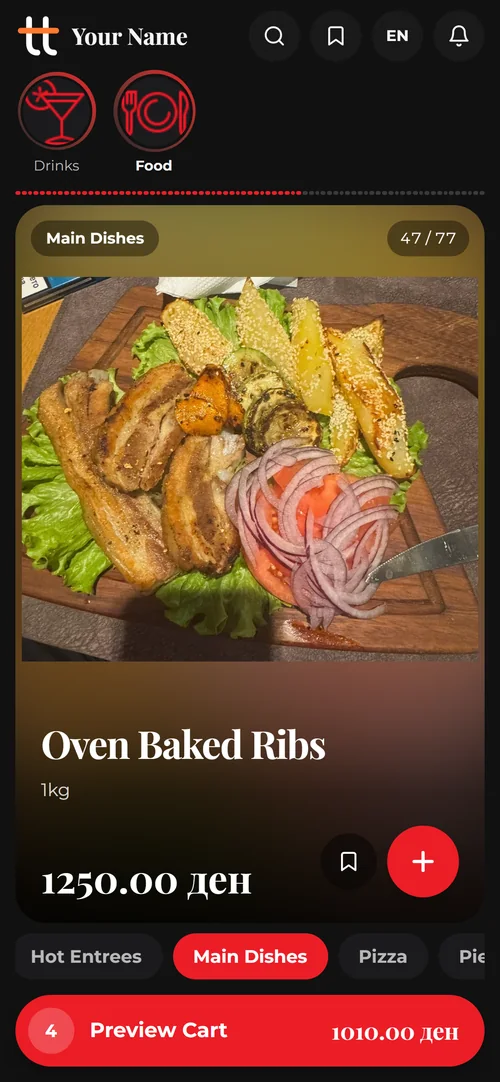
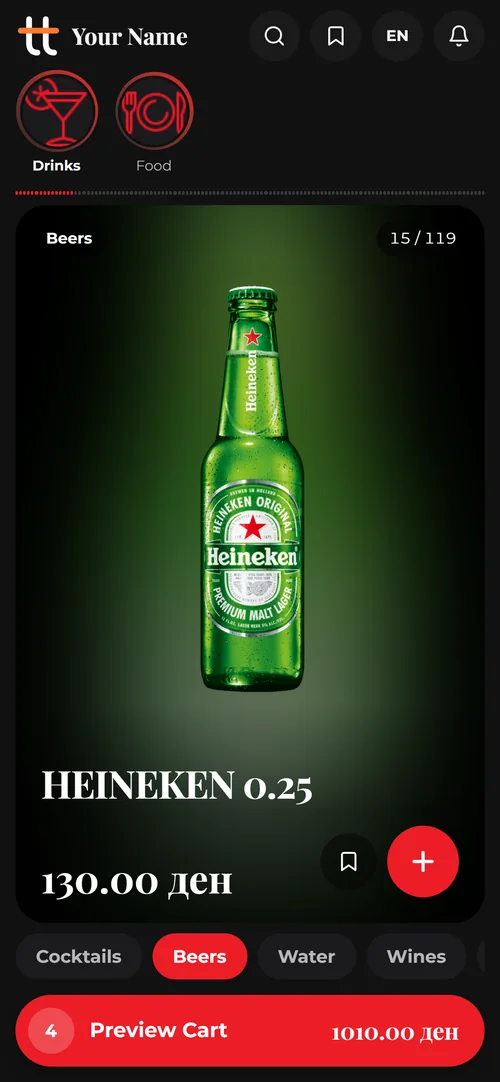
This is Story Menu, one of our menu designs: every dish gets the whole screen, and guests tap through the menu like stories. Want to try one yourself? Open a live demo menu on your own phone.
Then make it yours
- A choice of menu designs
- Your logo, colours and fonts
- Every language your guests speak
- Allergens on every dish
- QR codes in your colours, logo in the middle
- Ordering, waiter calls and the bill: on or off

Point your phone camera here
Same as a guest at the table. No app, no sign-up.
Or open it in this browser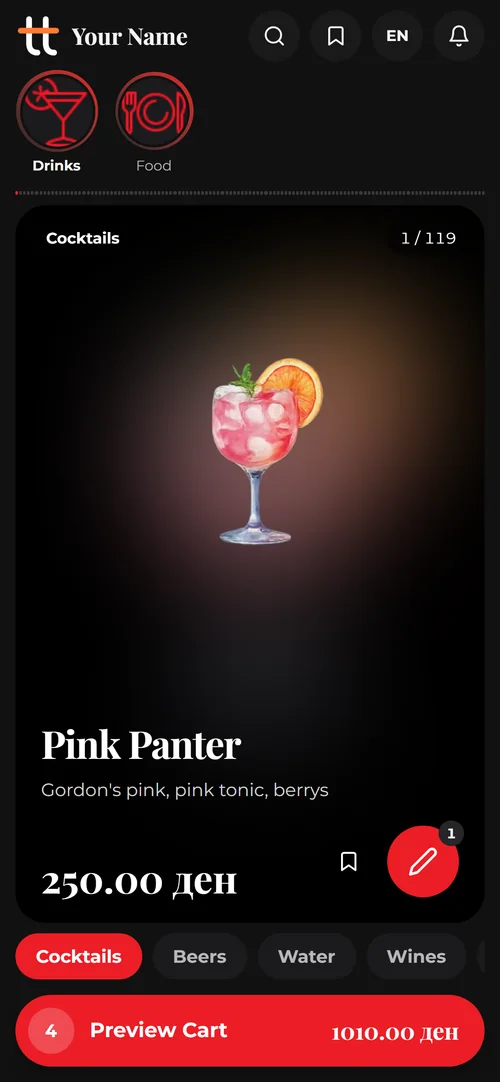
Before you message us
Short answers to what owners ask first. The rest is on the features page.
All questionsDo guests have to download an app?
No. The QR code on the table opens the menu in the phone’s browser. Nothing to install, no account to make.
Can we start with just the menu, without ordering?
Yes. Ordering is switched on per store, so you can run the digital menu first and turn ordering on when your team is ready.
How many languages can the menu have?
As many of the languages above as you need. Every item, description and category can be translated, and the guest picks their language when the menu opens.
What do the waiters use?
The Table Tango app for iOS and Android. It pushes new orders, waiter calls and bill requests to their phones, so nobody has to watch a screen.
What does it cost?
It depends on the venue and on whether guests order or only browse. The first month is free; message us and we send you an offer for yours. You pay by invoice and bank transfer, no card needed.
How do we get started?
Send us a message on WhatsApp or Viber. We look at your venue, get back to you within 24 hours and help you put the menu together.
Ready to Upgrade Your Venue?
Chat with us on WhatsApp or Viber — we reply within minutes. Tell us about your venue and we'll get you set up personally.